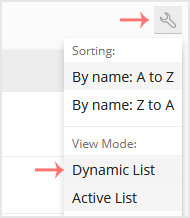
You can change View Mode in Plesk in the following way.
1. Log in to your Plesk account.
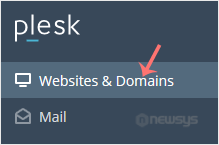
2. Click Websites & Domains from the Sidebar Menu.
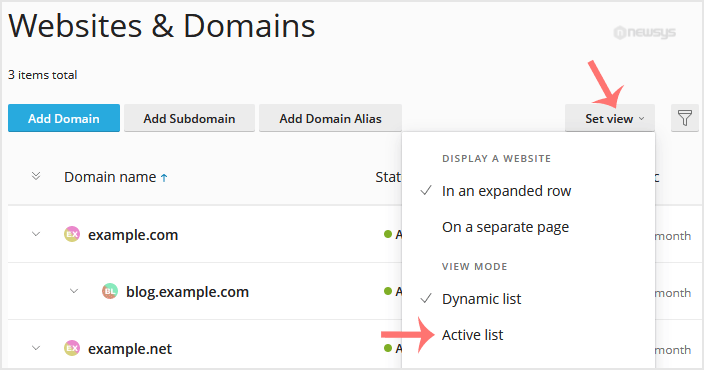
3. If the view mode is Dynamic List, click on Set view on the right side and switch to your preferred mode.
However, if the view mode is Active, click on the wrench icon to change it.