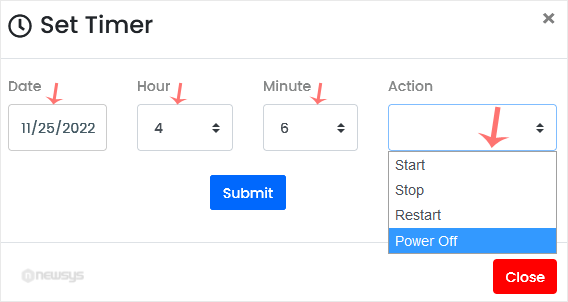
Do you know that you can set a self-timer for the VPS to start/shutdown/reboot or Power off at a specified time? This is a handy feature provided by Virtualizor.
1. Log in to your Virtualizor Control Panel.
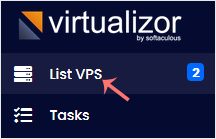
2. From the left side panel, click on List VPS.
3. Hover your mouse on the appropriate VPS, and that line will be highlighted. Then click on the Manage icon in the highlighted line.

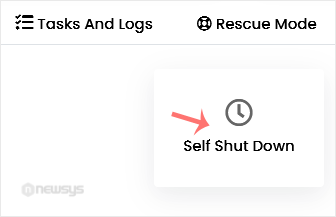
4. Click on the Self Shut Down.
5. Enter Date, Hour, Minute, and select Action. Then, click on Submit.