
1. Log in to your cPanel account.
2. In the Email section, click on Email Filters.
3. Under Filters by Users, you can see all your existing email accounts. Click on Manage Filters next to the appropriate one. 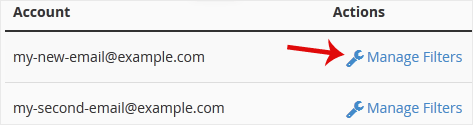
4. Under Current Filters, click on Delete next to the appropriate filter you want to remove. 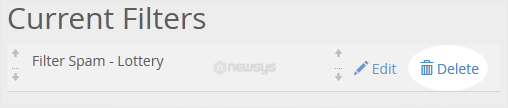
5. Now click on Delete Filter to remove your filter.