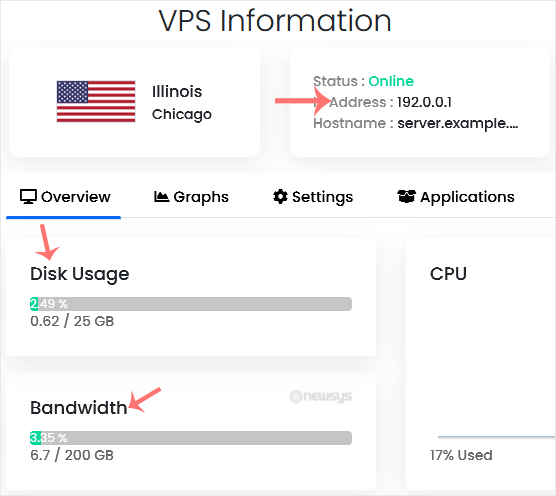
You can check VPS specifications such as RAM, disk space, virtualization, IP Address, etc., from the Virtualizor Control Panel.
1. Log in to your Virtualizor Control Panel.
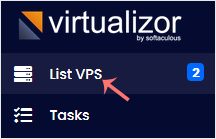
2. From the left side panel, click on List VPS.
3. Under Type, you can find which virtualization technology is used by your VPS.
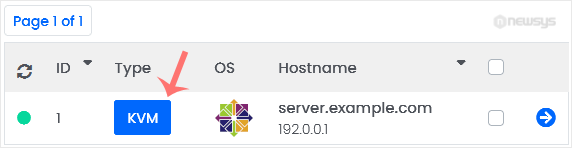
4. If you have multiple VPSs, select the appropriate one.

5. Under VPS Information, you can find the VPS IP, hostname, disk usage, bandwidth, and other details.