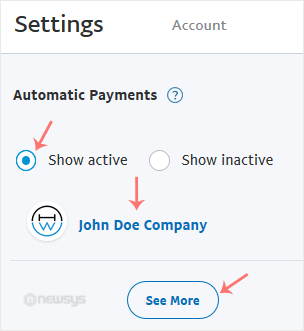
You can view the list of automatic PayPal subscriptions you have.
1. Log in to your PayPal account.
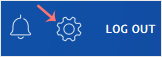
2. Click on the settings icon.
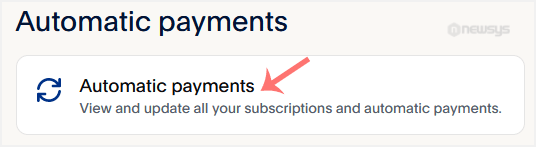
3. Go to the Payments tab and click on Manage automatic payments.
4. Tick-mark Show Active. If there is an active subscription, it will be displayed. In the case of many subscriptions, click on See More.