
WordPress plugins are very useful. You can easily install a plugin from the WordPress dashboard.
1. Log in to the WordPress dashboard.
2. From the Dashboard menu, go to Plugins and click on Add New.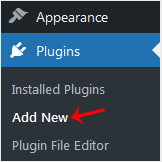
3. Use the Search filter to find the plugins. Type Security to find plugins related to it.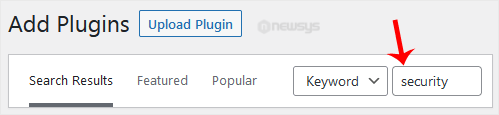
4. The available plugins matching the keyword Security will appear. Click on Install Now, next to the plugin’s name.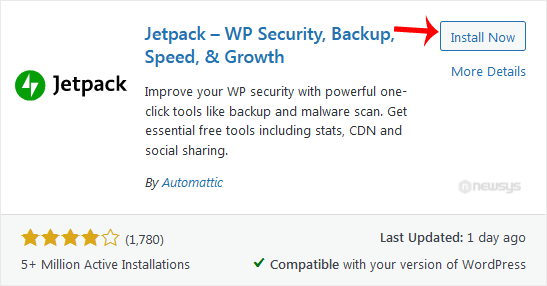
5. The installation can take a few moments. Once the Activate option appears, choose it.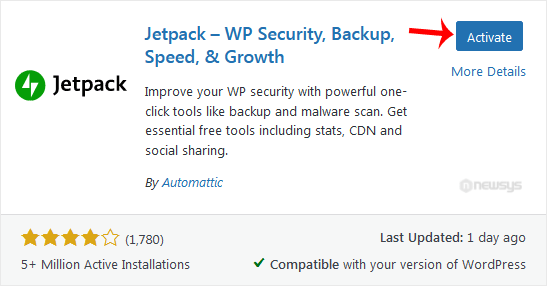
Note: After activating a plugin, a new menu of that plugin will be added to the Dashboard menu. If a plugin requires a setup, it will display an option to complete it.